Mobile guide – checked 25 September 2026
Fortune Clock Mobile Casino: Browser Play, Phones and App Claims
 Available in GB
Fortune Clock can be used in a mobile browser without requiring a native app. That is the clearest verified route for phone and tablet access. This guide does not present a dedicated Android or iOS app as confirmed: current secondary pages disagree about native-app availability, and no current app-store listing is treated as verified here. For a UK reader, the practical route is therefore to use the casino website in a current mobile browser and judge the features actually available there.
Table of Contents
- Browser first, app claims separated
- The verified mobile route is the website in a phone or tablet browser
- Mobile web, a home-screen shortcut and a native app are different things
- What to check after opening Fortune Clock on mobile
- Use the game library to test the mobile experience you care about
- Account tasks on mobile should be checked as workflows, not assumed from the desktop site
- Treat the mobile cashier as an account-specific view
- English support and live chat provide a mobile fallback
- What mobile play at Fortune Clock means without a confirmed app
Browser first, app claims separated
The mobile website is the supported fact. Fortune Clock can be opened through a compatible mobile browser without requiring an installed native app. Claims about a current Android APK or an iOS App Store application are kept separate because the available sources do not establish one consistent, directly verifiable answer.
The verified mobile route is the website in a phone or tablet browser
Mobile-browser access means opening the Fortune Clock website in a browser such as Safari, Chrome or another compatible option rather than installing casino software. The browser handles the session, and the site adapts its layout for the smaller screen.
That route is useful because it does not depend on a separate app-store listing. It also gives the reader a simple way to test the casino before making assumptions about device compatibility: open the site, sign in if appropriate, inspect the lobby, and confirm that the parts you use are reachable from the mobile navigation.
The wider Fortune Clock review covers the service as a whole. This page stays focused on how mobile access works and what has actually been verified.
Mobile web, a home-screen shortcut and a native app are different things
A mobile website runs inside the browser. A home-screen shortcut can make that website look app-like by placing an icon on the phone, but it still opens web content. A native app is installed software distributed as an application package or through an app store and can have its own permissions, update process and platform listing.
This distinction matters because casino review pages sometimes use the word “app” loosely for any phone-friendly version of a site. For Fortune Clock, browser play is confirmed. A dedicated Android or iOS application is not treated as a confirmed feature on this page.
That also means there are no APK download instructions here and no third-party sideload links. If native software is important to you, verify it through the operator’s current official channel and the relevant platform store before installing anything.
What to check after opening Fortune Clock on mobile
| Mobile check | Why it matters | What is verified |
|---|---|---|
| Lobby navigation | You need to reach the categories you actually use without relying on desktop menus. | Mobile-browser access is confirmed. |
| Game loading | Individual games can behave differently on smaller screens or specific devices. | Fortune Clock has a broad game library; exact device performance is not claimed. |
| Live casino | Video, controls and table information need to remain usable on a phone. | A live-casino section is confirmed. |
| Support access | A help route is useful if a session, payment or account step fails. | English support and 24/7 live chat are confirmed. |
| Cashier access | You should be able to inspect the methods shown to your account before using them. | Payment categories are covered separately; feature parity is not assumed. |
This checklist is intentionally practical rather than technical. It does not state unsupported load-time benchmarks, battery-use figures, screen-resolution requirements or a promise that every desktop feature appears in exactly the same way on mobile.
Use the game library to test the mobile experience you care about
Fortune Clock has slots, table games and live casino, so a useful mobile test should reflect the category you actually play. A slot player can check whether provider filters and game tiles are readable. A live-casino player should check video, table controls and the information panel. A table-game player can check whether the chosen digital variant fits the screen cleanly.
The game library page maps the broader categories and provider sample. It deliberately avoids promising that every named title or provider is shown to every account at all times, and the same boundary applies on mobile.
Account tasks on mobile should be checked as workflows, not assumed from the desktop site
Browser access proves that the casino can be used from a mobile device, but it does not by itself prove perfect feature parity for every account task. If you plan to register, sign in repeatedly, upload documents or change account details on a phone, test the relevant workflow on the device rather than assuming it mirrors desktop step for step.
The dedicated opening an account on mobile guide covers registration and account checks. Keeping those details on their own page avoids turning a mobile-access guide into a second registration tutorial.
Treat the mobile cashier as an account-specific view
Payment-method evidence confirms several categories at Fortune Clock, but the exact methods presented to a particular account can depend on account and location context. On mobile, open the cashier and use the methods shown there rather than assuming that a desktop view or an old review is a permanent list.
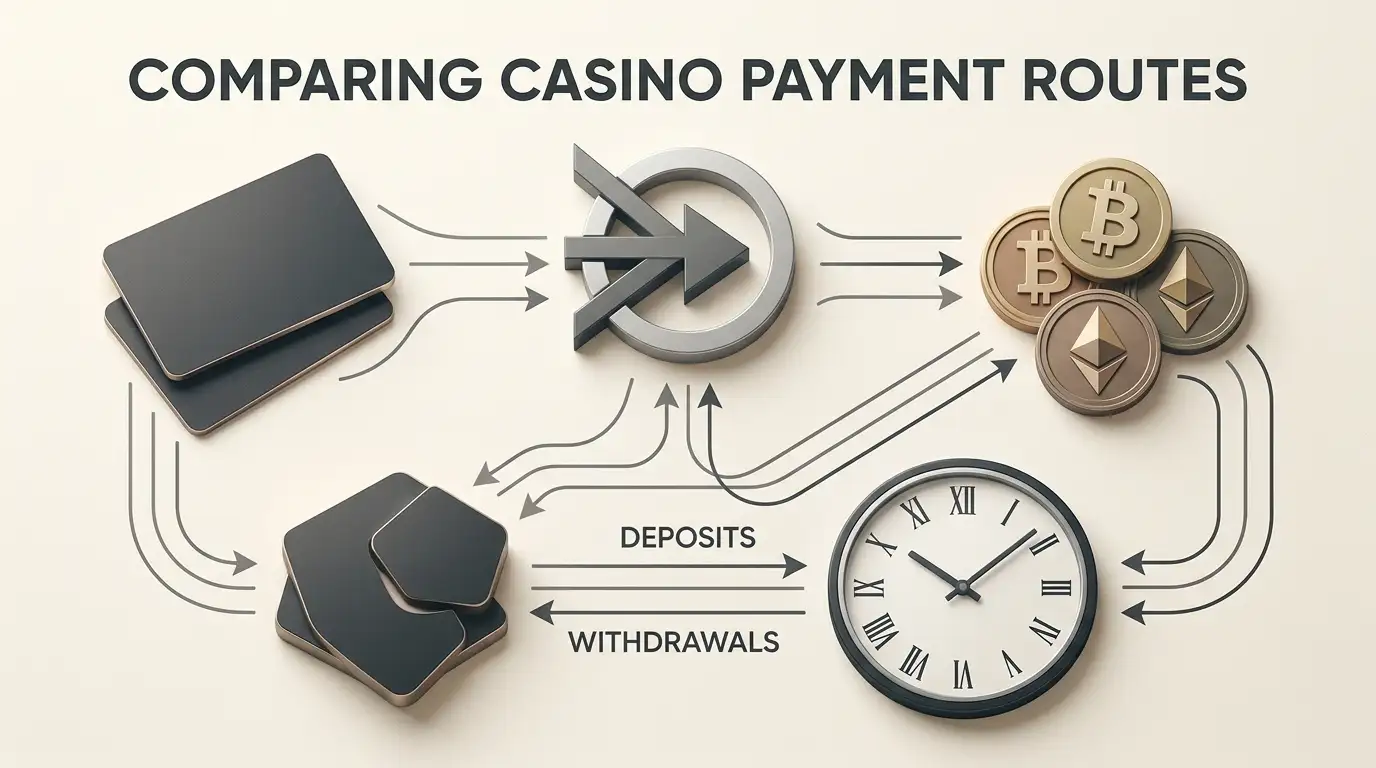
The mobile deposits and payments page handles cards, crypto and UK payment context in detail. This page does not duplicate exact payment claims or infer that a browser route guarantees identical cashier options across devices.
English support and live chat provide a mobile fallback
Fortune Clock provides an English-language website and English customer support, and live chat is available 24/7. Those are useful mobile facts because a phone session can fail at the exact point where a reader needs help with navigation, a game launch or an account step.
Before relying on chat during an important account action, confirm that the chat window opens and remains usable on your device. The fact that live chat exists does not guarantee a specific response time or resolution outcome, so this page does not attach performance promises to the support channel.
What mobile play at Fortune Clock means without a confirmed app
For a UK reader, Fortune Clock mobile access is straightforward at the evidence level: the casino can be used through a mobile browser, live casino is part of the game offer, and English support with 24/7 live chat is available. A dedicated Android or iOS app is not presented as confirmed. That makes the browser the sensible reference point for testing games, account access, support and the cashier on the device you actually intend to use.
Created by the ”Fortune Clock Casino” editorial team.